
Smart IPTV Playlist: Setup, Channels and Tips
Smart IPTV Playlist: Setup, Channels and Tips
- A smart IPTV playlist streams live TV, movies, and series over your internet connection — no satellite dish, no cable box.
- Smart IPTV carries 25,000+ live channels and 60,000+ movies and series in HD and 4K.
- Plans start at $12.99 for one month; a lifetime option costs $289 for a single connection.
- Works on Android TV, Firestick, Apple TV, Samsung and LG Smart TVs, iPhone, iPad, MAG, Windows, Mac, and Chromecast.
- Every package includes a free trial — no automatic renewal, ever. You pay once and renew manually when you choose.
- Payment options include credit/debit card, gift card, cryptocurrency, bank transfer, Wise, and Revolut.
What a Smart IPTV Playlist Actually Is
A smart IPTV playlist is a structured file — usually an M3U or M3U8 — that tells your media player where to find each channel, movie, or series stream. Think of it as a TV guide that also contains the tuner. Your device reads the file, connects to the stream source, and plays the content directly. No physical hardware sits between you and the picture.
Why does the format matter? Because not all playlists are equal. A poorly organized one loads slowly, buffers constantly, and drops channels without warning. A well-maintained playlist from a best IPTV provider updates automatically, prunes dead links, and keeps channel numbers consistent so your favorites stay where you put them.
The file itself is plain text. Open one in a text editor and you'll see lines like #EXTINF:-1,Channel Name followed by a stream URL. What makes the experience good or bad is the infrastructure behind those URLs — server uptime, bandwidth per stream, and how fast the provider replaces a broken link.
Smart IPTV (the service at smartiptv.is) hosts its own servers and maintains the playlist on the backend. You never touch the raw file. You activate your subscription, point your app at the provided URL, and the playlist populates automatically across all your devices.
How to Load Your Smart IPTV Playlist on Any Device
Setup is the part most people overthink. The actual process takes under five minutes on almost every device. The full smart IPTV subscription setup guide walks through each platform step by step, but here's the practical overview.
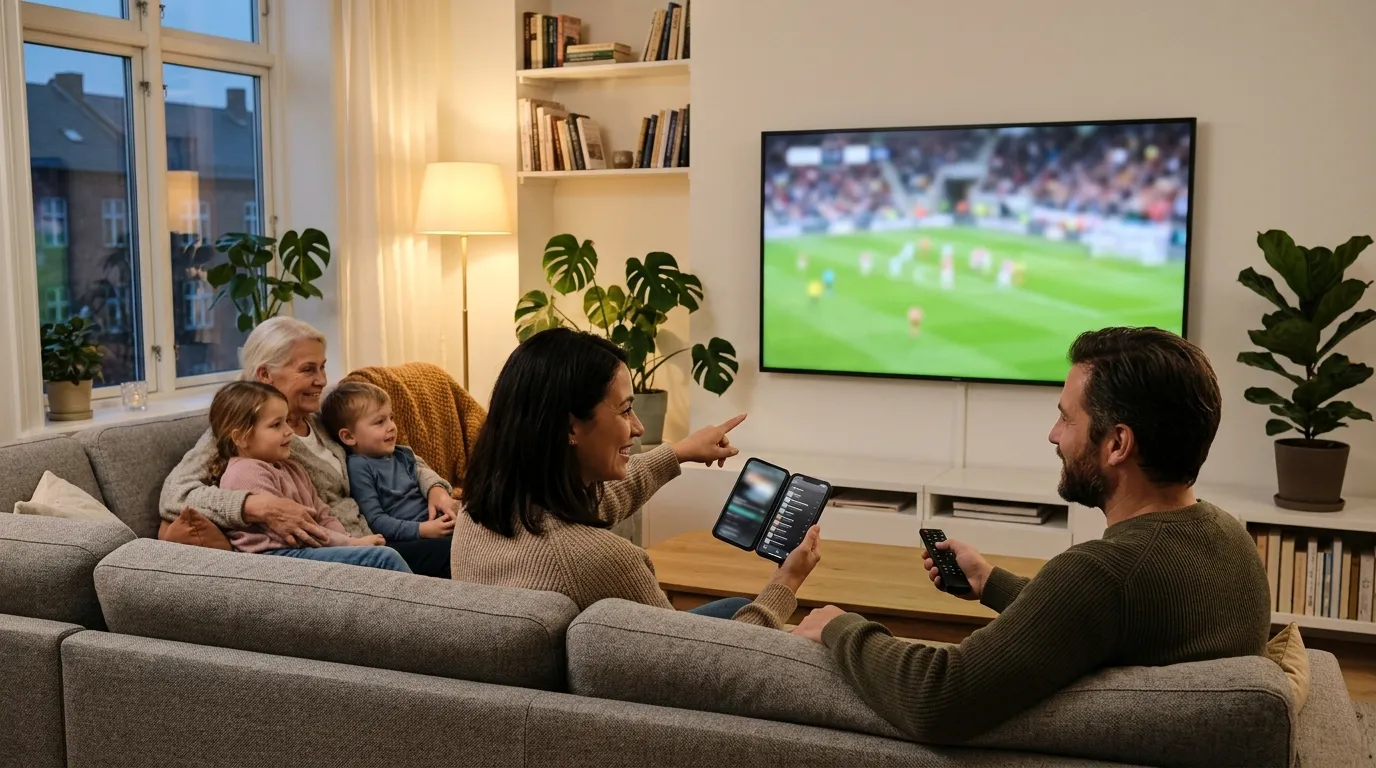
Android TV and Firestick
Install a compatible IPTV player from the app store — several free options work well. Open the app, go to the playlist or M3U section, and paste the URL you received after subscribing. The app fetches the playlist, builds the channel list, and you're watching in under a minute.
Samsung and LG Smart TVs
Both manufacturers support IPTV players through their native app stores. The process mirrors Android TV: install the player, enter your playlist URL, done. Some LG models support the Smart IPTV app directly from the LG Content Store.
Apple TV and iPhone/iPad
Use a player that accepts M3U playlists from the App Store. Enter your subscription URL in the app's settings. Apple TV handles 4K streams without breaking a sweat, provided your internet connection holds up — and 25 Mbps is the minimum I'd recommend for 4K without buffering.
MAG Boxes, Windows, Mac, and Chromecast
MAG boxes use a portal URL instead of an M3U link. Windows and Mac users can run VLC or a dedicated IPTV player and load the playlist from the network URL option. Chromecast works through a casting-capable IPTV app on your phone or tablet.
One mistake I made early on: I loaded the playlist on five devices simultaneously during setup just to test them all. That maxed out my single-connection plan and every stream stalled. The fix is straightforward — check how many simultaneous connections your plan covers before you start testing across devices.
The Channel Lineup: What You're Actually Getting
Numbers are easy to throw around, so let's be specific. The full channel lineup at Smart IPTV covers 25,000+ live channels spanning news, sports, entertainment, kids' programming, and international content across dozens of countries. The 60,000+ movies and series in the video-on-demand library include titles across every major genre.
What does that mean in practice? It means you can watch a live news broadcast from one country, switch to a sports match from another, and queue a film from the VOD library — all inside the same app, on the same playlist.
Content Quality
Channels are available in SD, HD, and 4K depending on the source broadcast. The platform doesn't upscale — if the original broadcast is HD, you get HD. 4K channels are genuinely 4K, not stretched 1080p. That distinction matters if you've invested in a 4K television.
International and Nordic Coverage
Smart IPTV has dedicated sections for Nordic viewers. Danish, Norwegian, Finnish, and Swedish content is organized separately, which is a detail that generic IPTV directories often miss. If you're based in Scandinavia or watch content in those languages, the service addresses that directly — the Smart IPTV Norwegian section is a good starting point to see what's included.
Sports coverage is broad. Live matches from top European leagues, international tournaments, and US sports air across multiple dedicated channels. You won't need a separate sports package on top of your base subscription.
Plans, Pricing, and the Lifetime Option
Pricing is transparent and there are no hidden fees. Every plan is a one-time payment — there's no automatic renewal, no subscription trap. You choose when to renew.
| Plan | Connections | Price | Best For |
|---|---|---|---|
| 1 Month | 1 | $12.99 | Testing the service |
| 3 Months | 1 | $34.99 | Short-term commitment |
| 6 Months | 1 | $49.99 | Mid-term value |
| 12 Months | 1 | $59.99 | Best annual value |
| 24 Months | 1 | $99.99 | Long-term savings |
| Lifetime | 1 | $289 | Pay once, done forever |
| Lifetime | 2 | $416 | Two-device households |
| Lifetime | 3 | $543 | Families |
| Lifetime | 4 | $670 | Large households |
| Lifetime | 5 | $797 | Maximum coverage |
The smart IPTV subscription lifetime plan is worth doing the math on. If you'd otherwise pay $59.99 per year, the single-connection lifetime plan pays for itself in under five years. For households that know they'll keep using IPTV long-term, it's the obvious choice.
Multi-screen plans support up to 5 simultaneous connections. That means five different people in your household can each watch a different channel at the same time on the same account.
Payment Methods: How to Actually Pay
This is where Smart IPTV differs from most streaming services. The checkout offers more payment flexibility than almost anything else in this space — which matters if you prefer privacy or don't want to hand over card details to yet another platform.
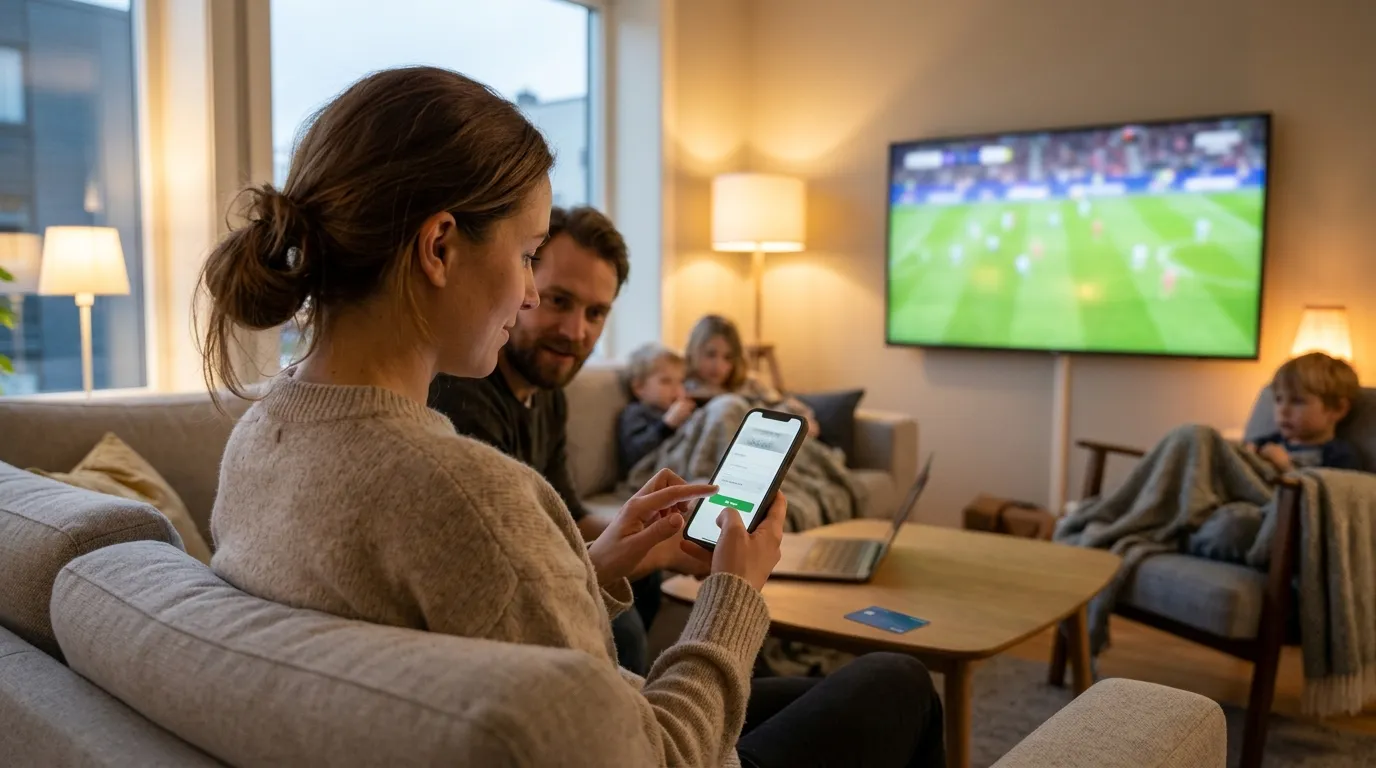
Available Payment Options
- Credit or debit card — A secure payment link is sent to your email. Covers plans up to $300.
- Gift card (Rewarble) — Purchase with a card, Apple Pay, or Google Pay. Activates instantly.
- Cryptocurrency — Pay directly at checkout with USDT (TRC20), USDC (Polygon), BTC, ETH, SOL, or LTC.
- Bank transfer — Available for orders of $60 or more.
- Wise — Available for orders of $30 or more.
- Revolut — Available for orders of $100 or more.
Bank transfer, Wise, and Revolut payments are arranged through the support team on WhatsApp. If you prefer crypto, you don't need to contact anyone — the checkout page handles it directly. That's a practical detail worth knowing before you get to the payment screen.
For any questions about payment or account setup, the IPTV lifetime support page and the WhatsApp support line are the fastest routes to a human response.
Multi-Screen Viewing and Managing Multiple Connections
Can one subscription cover an entire household? Yes — up to five simultaneous streams on a single account. The Smart IPTV multi-screen setup is straightforward: each device gets the same playlist URL, and the server manages concurrent connections automatically.
What happens if you go over your connection limit? The server refuses the extra stream. It doesn't crash your other active streams — it just blocks the new one until a slot opens. That's actually the correct behavior. I've seen cheaper providers that let you exceed the limit but throttle everyone's speed instead, which is far more frustrating.
Which Devices Work Simultaneously
Any combination of supported devices counts toward your connection limit. So a Firestick in the living room, an iPhone in the bedroom, and an iPad in the kitchen use three of your five available slots. Devices on the same local network still count as separate connections — a common misconception that trips people up.
If your household genuinely needs more than one stream, compare the cost of adding connections against buying separate subscriptions. The multi-connection lifetime plans price out significantly cheaper per connection than buying individual lifetime plans.
The best IPTV provider for a multi-device home is one that prices connections honestly and doesn't throttle shared streams. Smart IPTV's structure does exactly that.
Troubleshooting Common Smart IPTV Playlist Problems
Buffering is the complaint you'll hear most often from IPTV users. The cause is almost never the playlist itself. What actually causes buffering?

- Slow internet connection — HD streams need at least 10 Mbps; 4K needs 25 Mbps or more. Run a speed test before blaming the service.
- Wi-Fi interference — A wired Ethernet connection eliminates most buffering on smart TVs and streaming sticks. This single change fixed persistent buffering for me after weeks of frustration.
- VPN routing — Some VPN servers add latency. If you run a VPN, try switching to a server geographically closer to your actual location.
- Overloaded player cache — Clear the cache in your IPTV player app every few weeks. A bloated cache slows channel switching noticeably.
- Expired playlist URL — If your subscription lapsed and you renewed, your playlist URL may have changed. Check your account or contact support for the updated link.
Channel not loading at all? That's usually a dead stream on a specific channel, not a service-wide issue. Switch to another channel, wait a few minutes, and try again. Live sports channels in particular can go dark briefly around scheduling changes.
For persistent issues, the best IPTV provider support team at Smart IPTV responds quickly via WhatsApp. Don't sit with a broken stream for days — reach out directly.
Who Should Consider a Smart IPTV Playlist Over Traditional Cable
The honest answer: most people who watch more than a few hours of TV per week. Cable packages in most countries cost $60–$120 per month for a mid-tier bundle. The 12-month Smart IPTV plan costs $59.99 total. That's not a rounding error — that's a structural price difference.
What do you give up? The installation appointment, the rental equipment, the bundled landline nobody uses, and the annual price hike letter. What do you keep? Live TV, sports, movies, series, and international content — often more of it than your cable package included.
Scenarios Where IPTV Makes the Most Sense
- You've already cut cable and use a streaming stick or smart TV as your primary device.
- You watch content from multiple countries and want it in one place.
- You travel frequently and want your home channel lineup on your laptop or phone.
- You share a household and need multiple simultaneous streams without paying per-device fees.
- You prefer one-time payments over recurring monthly billing.
The IPTV lifetime option is particularly compelling for anyone who's done the cable-cutting math and wants to stop thinking about subscription renewals entirely. Pay once, watch indefinitely.
A smart IPTV playlist isn't a workaround or a compromise. For most viewing habits, it's a straightforward upgrade — more content, more flexibility, and a fraction of the cost. If you want to see exactly what's included before committing, the free trial on every plan is the lowest-risk way to find out.
Frequently Asked Questions
What file format does a smart IPTV playlist use?
Most IPTV playlists use the M3U or M3U8 format — plain text files that list channel names alongside their stream URLs. Smart IPTV manages the playlist on the backend, so you receive a single URL rather than a raw file to download and import manually.
How many devices can I use at the same time?
Standard plans cover one simultaneous connection. Multi-screen plans support up to five concurrent streams across any combination of supported devices. Each active stream counts as one connection, regardless of whether devices share the same Wi-Fi network.
Does Smart IPTV renew automatically?
No. Every plan is a one-time payment. Your subscription runs for the period you purchased, then stops. You choose when — and whether — to renew. There is no automatic charge to your card.
Can I try the service before committing to a long plan?
Yes. A free trial is available on all packages. Start with the trial to test stream quality, channel availability, and app compatibility on your specific devices before choosing a longer plan.
What internet speed do I need for 4K streams?
Plan for at least 25 Mbps dedicated to the IPTV stream for reliable 4K playback. If other devices on your network are active simultaneously, your router needs enough headroom to handle the combined load. A wired Ethernet connection is always more stable than Wi-Fi for 4K.
Is cryptocurrency a safe way to pay for an IPTV subscription?
Yes, and it's fully supported at checkout. Smart IPTV accepts USDT (TRC20), USDC (Polygon), BTC, ETH, SOL, and LTC directly on the payment page — no third-party wallet handoff required. It's a practical option for anyone who prefers not to use a card for streaming services.